Turn plain text into beautiful documents.
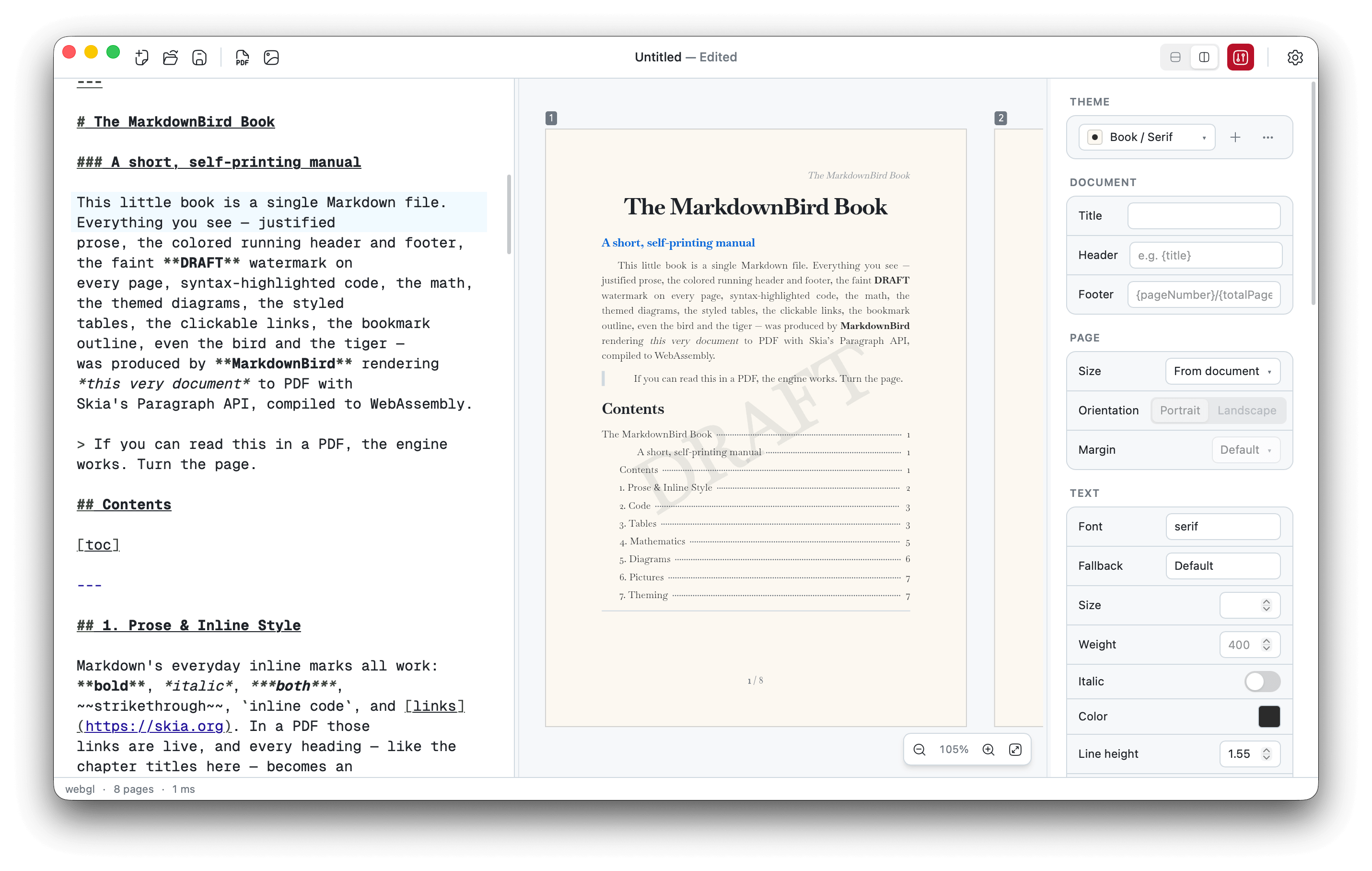
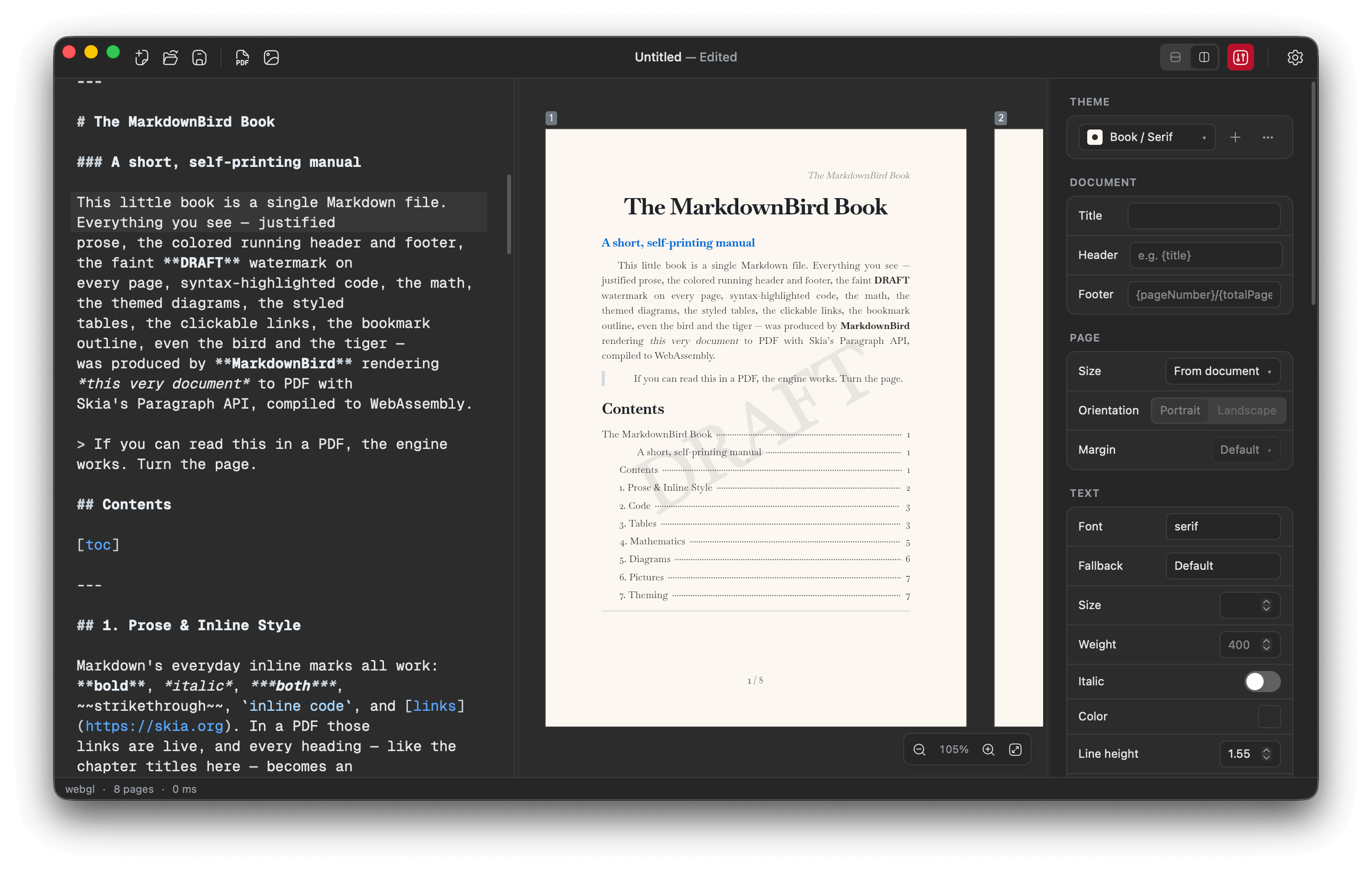
MarkdownBird is a desktop editor with a live preview and flawless typography — your fonts, code, math and emoji always look exactly right. Export crisp PDF, PNG or SVG and share anywhere.
Free for macOS, Windows & Linux · No account required
Features
Everything you need for beautiful documents
A focused editor that treats your writing the way a designer would.
Flawless typography
Every glyph, ligature and line break is placed with the precision of professional print.
PDF, PNG & SVG export
Export documents crisp at any size — perfect for printing, sharing or the web.
Live preview
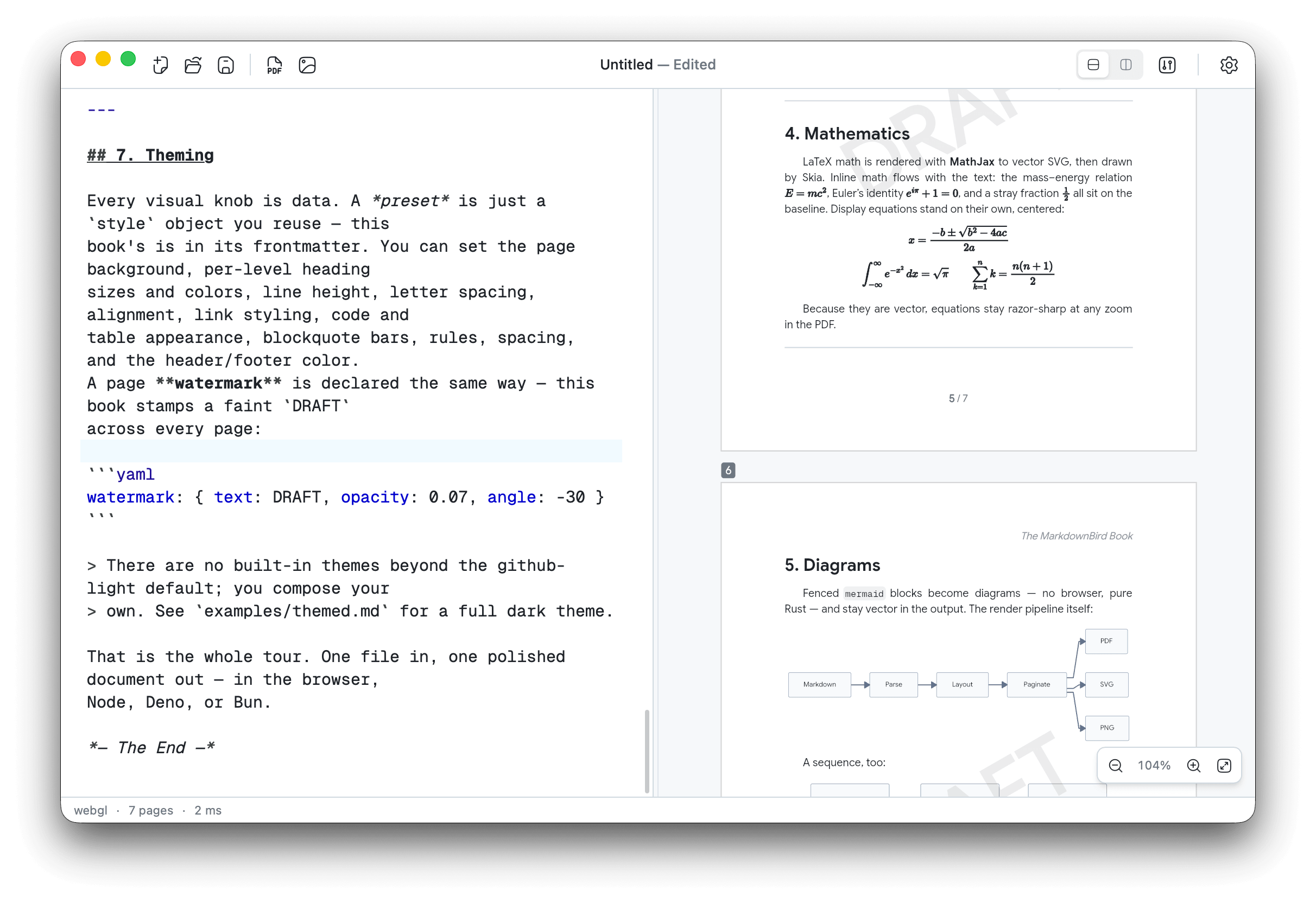
A side-by-side view shows exactly how your document will look as you type.
Beautiful code blocks
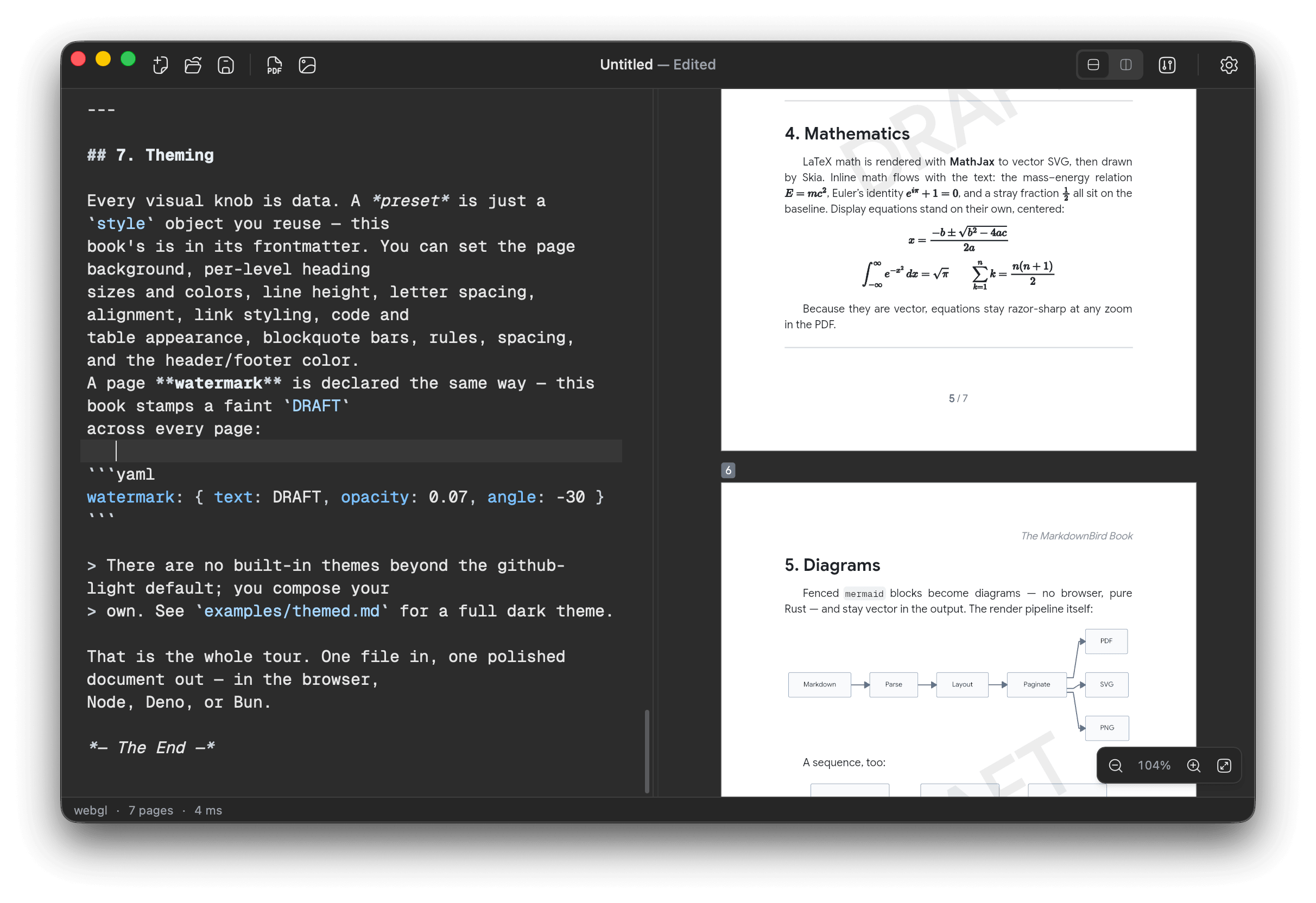
Code is highlighted clearly across hundreds of programming languages.
Mermaid diagrams
Write flowcharts, sequences and more as plain text — rendered and exported with your document.
Math & formulas
Write inline or block math and see it typeset beautifully.
Theme presets
Save and switch document looks — fonts, colors and spacing — as reusable presets.
Fonts & emoji
Embed custom fonts and full-color emoji that travel with your exports.
Workflow
What you write is what you get
No surprises between what you write and what you export — the preview is exactly what you get.
- Write in plain Markdown, see the rendered page instantly
- Tune fonts, margins and page size from the inspector
- Export print-ready PDF or share-ready PNG in one click
Comparison
Built for export, not just notes
Notion and Obsidian are great places to write. MarkdownBird is built to turn your writing into polished, shareable documents.
 MarkdownBirdRecommended MarkdownBirdRecommended | Notion | ||
|---|---|---|---|
| Pixel-perfect PDF export | |||
| PNG image export | |||
| SVG export | |||
| Custom fonts in exports | |||
| Full page & margin control | |||
| Math & code in exports | |||
| Mermaid diagrams in exports | |||
| Works fully offline | |||
| No account required |
FAQ
Frequently asked questions
Start turning Markdown into beautiful documents
Download MarkdownBird and export your first pixel-perfect PDF in minutes.